Executive Summary
- Deploy a fully functional Samba 4 Active Directory Domain Controller on Debian Linux.
- Configure Kerberos KDC services (
krb5.conf) for secure ticket-granting ticket (TGT) issuing. - Synchronize BIND9 DNS with Samba AD to facilitate active domain locator services.
- Authenticate Windows and Linux domain clients seamlessly without proprietary Windows Server CALs.
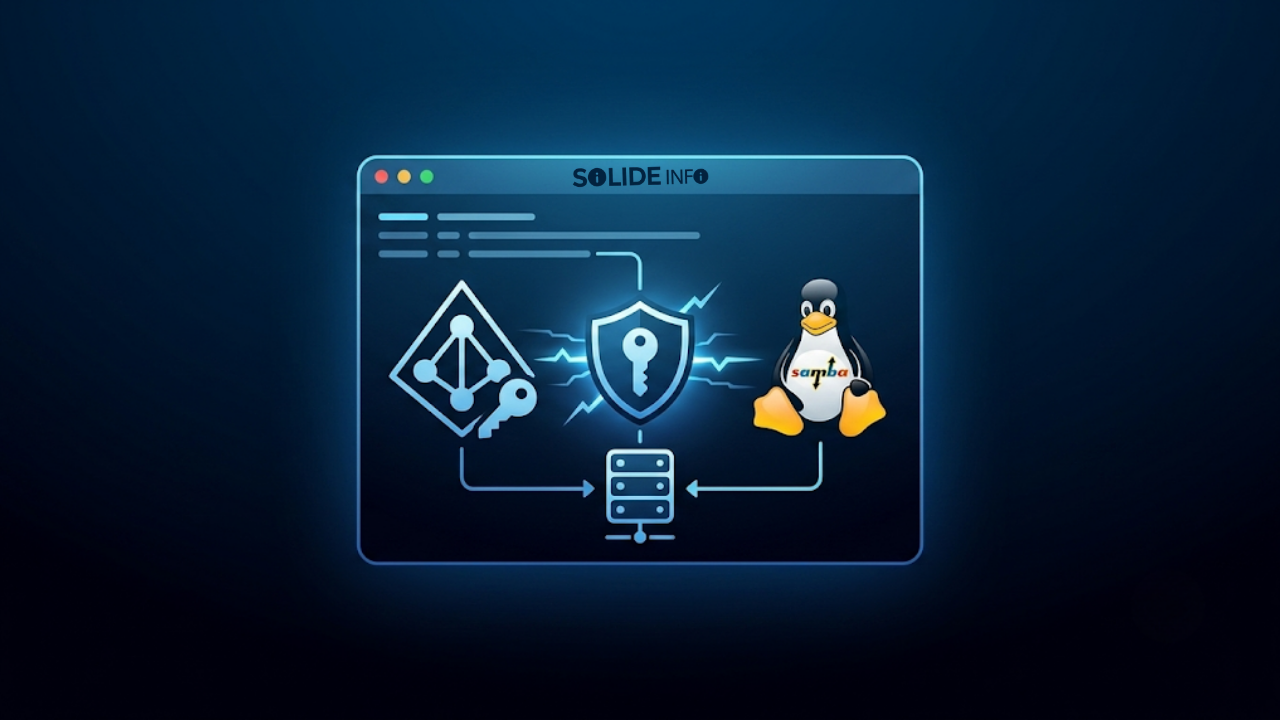
Integrating active directory kerberos authentication into Linux server fleets allows organizations to deploy enterprise domain controllers while maintaining seamless cross-platform security.
In modern enterprise IT environments, organizations must manage increasingly complex IT ecosystems that combine cloud services, on-premise infrastructure, and advanced security requirements.
Centralizing user identities and enforcing strict authentication protocols are paramount for maintaining confidentiality, integrity, and availability across distributed network resources.
Legacy authentication models like NTLM or plain-text LDAP bindings introduce severe vulnerabilities that modern threat actors exploit easily via pass-the-hash attacks.
Enterprise technology leaders need robust, cryptographic solutions that eliminate static credential transmission across corporate networks.
At SolideInfo, our infrastructure engineering division emphasizes the strategic importance of standards-based directory services and secure ticket-granting mechanisms.
Open-source alternatives like Samba 4 provide enterprise-grade capabilities without forcing organizations into rigid, expensive licensing models.
This comprehensive guide explores the cryptographic foundations of ticket-based authentication, deployment workflows on Debian Linux, and client integration best practices.
Principles of Kerberos Authentication in Active Directory
Kerberos is a deterministic, ticket-based network authentication protocol designed to verify user and service identities over insecure network connections.
Developed as part of MIT’s Project Athena, the protocol relies on symmetric key cryptography and a trusted third-party arbiter known as the Key Distribution Center (KDC).
In a Windows or Samba-based directory environment, the domain controller acts as the central KDC, issuing cryptographic credentials that grant access to authorized network resources.
Understanding the internal handshake mechanics is essential for systems architects troubleshooting cross-platform authentication failures or performance bottlenecks.
How Kerberos Authentication Works KDC AS TGS and Service Tickets
The Kerberos authentication lifecycle consists of distinct communication phases between the client, the Authentication Service (AS), and the Ticket Granting Service (TGS).
When a user initiates a session, their client application sends a plaintext Authentication Service Request (AS-REQ) to the domain controller.
The KDC verifies the user’s existence in the database, generates a session key encrypted with the user’s password hash, and returns an AS-REP containing the Ticket Granting Ticket (TGT).

Once the client possesses a valid TGT, it can request specific service tickets without re-entering credentials by submitting a TGS-REQ to the Ticket Granting Service.
The resulting service ticket is subsequently presented directly to target servers via an Application Request (AP-REQ), establishing mutual cryptographic trust.
The Role of krb5 conf and DNS Service Records SRV in AD Domains
For client machines to locate the Kerberos Key Distribution Center within a network, precise Domain Name System (DNS) service records must be published and maintained.
Active Directory relies heavily on SRV records to advertise KDC, LDAP, and GC (Global Catalog) endpoints across specific ports.
On the client side, the operating system relies on the /etc/krb5.conf configuration file to map realm names to their corresponding domain controllers.
Ini, TOML
# Example enterprise krb5.conf configuration snippet
[libdefaults]
    default_realm = CORP.SOLIDEINFO.LOCAL
    dns_lookup_realm = true
    dns_lookup_kdc = true

[realms]
    CORP.SOLIDEINFO.LOCAL = {
        kdc = dc01.corp.solideinfo.local
        admin_server = dc01.corp.solideinfo.local
    }
Misconfigured DNS records or mismatched realm definitions in krb5.conf are the primary root causes of ticket issuance failures across heterogeneous network environments.
Samba 4 AD DC as an Open Source Alternative to Windows Server
Historically, deploying an Active Directory domain required licensing proprietary Windows Server operating systems and Client Access Licenses (CALs).
The advent of Samba 4 revolutionized open-source infrastructure management by implementing a complete, native Active Directory Domain Controller stack on Linux.
Samba 4 supports standard Group Policy Objects (GPOs), SYSVOL replication, secure LDAP queries, and robust Kerberos authentication out of the box.

Enterprises leverage Samba to reduce licensing expenditures while maintaining full interoperability with existing Windows administration tools and administrative utilities.
Installing and Provisioning Samba AD DC on Linux
Deploying a production-grade Linux domain controller requires meticulous preparation of the underlying operating system environment, network configurations, and software prerequisites.
Administrators must ensure static IP addressing, synchronized Network Time Protocol (NTP) daemons, and accurate hostname resolution before initiating the provisioning script.
The following technical walkthrough outlines the precise procedures utilized by senior infrastructure engineers deploying Samba AD on Debian Linux.
Installing Prerequisites and Configuring Network Hostnames
Before installing the core domain controller packages, the host server’s network interfaces and hostname must be configured to match the intended enterprise domain taxonomy.
Time synchronization is critically important for Kerberos authentication, as tickets incorporate strict expiration timestamps; time drift exceeding five minutes causes immediate authentication rejection.
Bash
# Update repository lists and install Samba AD DC prerequisites on Debian
sudo apt update && sudo apt install -y samba smbclient krb5-winbind krb5-user ntp
sudo timedatectl set-ntp on
Administrators must verify that the /etc/hosts file maps the server’s fully qualified domain name (FQDN) to its static IP address rather than the local loopback interface.
Provisioning the AD Domain and Setting Up the Kerberos Realm
Once prerequisites are satisfied, the existing default Samba configuration file must be removed or backed up before executing the interactive provisioning tool.
The samba-tool domain provision command constructs the internal directory database, sets administrative passwords, and configures the default Kerberos realm parameters.
Bash
# Back up default configuration and provision the new Active Directory domain
sudo mv /etc/samba/smb.conf /etc/samba/smb.conf.bak
sudo samba-tool domain provision --use-rfc2307 --interactive
Plaintext
# Sanitized Terminal Output Demonstration
Realm [CORP.SOLIDEINFO.LOCAL]:
Domain [CORP]:
Server Role [dc]:
DNS backend [SAMBA_INTERNAL]:
Administrator password:
Provisioning finished.
Following successful provisioning, the Samba domain service must be enabled and started via systemd to begin listening for authentication requests.
Testing Kerberos Ticket Issuance via kinit and klist CLI Utilities
Verifying that the KDC is functioning correctly before joining client workstations is a mandatory quality assurance step for systems engineers.
The kinit command-line utility attempts to authenticate against the local Kerberos realm using the newly created administrative credentials.
Bash
# Requesting an administrative Kerberos ticket-granting ticket
kinit [email protected]
Plaintext
# Sanitized Terminal Output Demonstration
Password for [email protected]:
Once the ticket is successfully acquired, administrators execute klist to inspect the cache details, validating encryption types, ticket lifespans, and principal identities.
Bash
# Inspecting the active Kerberos ticket cache
klist
Plaintext
# Sanitized Terminal Output Demonstration
Ticket cache: FILE:/tmp/krb5cc_0
Default principal: [email protected]

Valid starting       Expires              Service principal
08/02/2026 21:00:15  08/03/2026 07:00:15  krbtgt/[email protected]
This verification confirms that the core ticketing subsystem is operating perfectly, establishing a solid foundation for enterprise client integration.
Domain Client Integration and Operational Hardening
With the domain controller operational, the focus shifts to integrating client workstations and securing the infrastructure against potential attack vectors.
Both Windows and Linux machines can be joined to the Samba domain, leveraging Kerberos for centralized credential validation and single sign-on capabilities.
Operational hardening requires restricting insecure legacy protocols, monitoring authentication logs, and implementing strict access control lists across shared resources.
Joining Linux and Windows Workstations to the Samba Domain
Integrating Linux client servers into the Samba domain requires installing SSSD (System Security Services Daemon) and realmd to manage directory lookups and ticket caching.
Windows workstations join the domain natively using standard graphical wizard interfaces or automated PowerShell provisioning scripts.

Once joined, domain users can log into Linux servers using their centralized enterprise credentials without requiring local user account creation on every machine.
Anonymized CLI Demonstration Kerberos Provisioning and Ticket Verification
To demonstrate practical enterprise troubleshooting, consider a scenario where an administrator verifies cross-platform ticket validity on a newly joined client server.
The technician executes diagnostic commands to ensure the client machine can successfully communicate with the domain controller’s KDC ports.
Bash
# Verifying network connectivity to the Kerberos KDC port (TCP 88)
nc -zv dc01.corp.solideinfo.local 88
Plaintext
# Sanitized Terminal Output Demonstration
Connection to dc01.corp.solideinfo.local 88 port [tcp/kerberos] succeeded!
This simple network validation confirms that firewalls and routing policies permit secure ticket exchange traffic between enterprise clients and the Linux domain controller.
Advanced FAQ Section
How does this technology impact enterprise IT strategy? Implementing active directory kerberos authentication via open-source platforms like Samba 4 allows organizations to achieve enterprise-grade identity centralization while drastically reducing software licensing expenditures. It standardizes access control policies across heterogeneous Windows and Linux environments, strengthening overall organizational security posture.
What are the main implementation challenges? The primary challenges involve maintaining precise network time synchronization (NTP) across all nodes and configuring robust DNS infrastructure. Because Kerberos relies heavily on accurate timestamps and SRV records for service discovery, even minor configuration oversights can result in widespread authentication failures.
What should IT leaders consider before adopting it? Technology leaders must evaluate their internal engineering team’s familiarity with Linux system administration, Samba architecture, and Kerberos troubleshooting. While the platform offers immense cost savings and flexibility, maintaining a mission-critical directory service requires dedicated operational expertise and rigorous backup procedures.
Establishing secure ticket distribution through active directory kerberos guarantees centralized identity management, strong encryption, and seamless authentication across enterprise systems.
Discover more from Solide Info | The Engineer’s Authority on Cyber Defense
Subscribe to get the latest posts sent to your email.