In a post-compromise scenario, the first 60 minutes of log preservation are critical to preventing lateral movement and data exfiltration. As a Blue Team Lead, I have seen countless responders lose the battle because they relied on legacy signature-based telemetry that failed during the adversary’s “breakout time.”
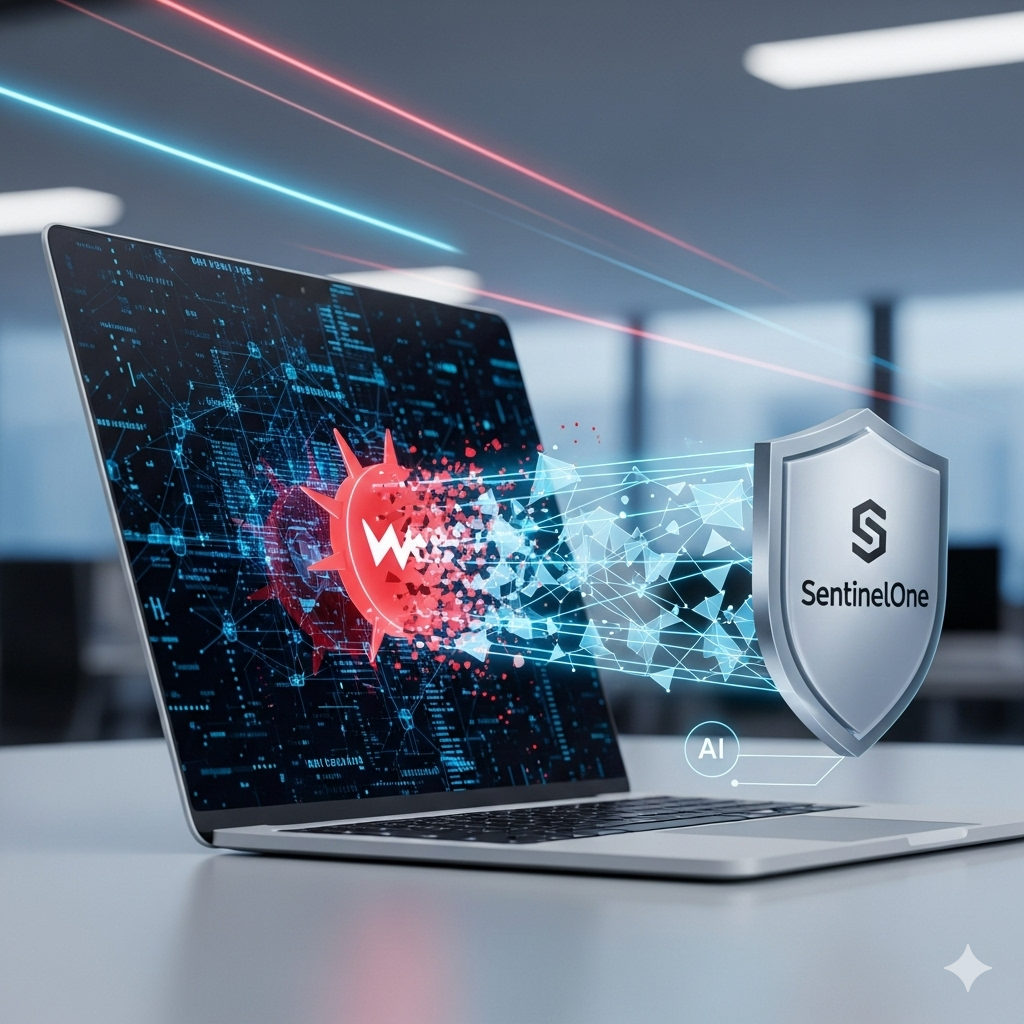
The Sentinel One Agent changes this dynamic by shifting the burden of analysis from the human analyst to an autonomous, on-device AI engine. This guide provides an engineer-to-engineer deep dive into the sentinel agent architecture, forensic capabilities, and its role in a modern SOC.
If you are asking what is SentinelOne from a purely functional perspective, it is more than EDR; it is a distributed compute platform for security telemetry.
The Sentinel One Agent operates as a kernel-level driver (on Windows) or a system extension (on macOS), providing real-time visibility into process lineage, memory modifications, and network behavior.
- Autonomous Decoupling: The agent functions without a cloud heartbeat, using local AI models to block zero-day exploits.
- Storyline Technology: Every event is tagged with a unique Storyline ID, allowing for instant correlation of parent-child process relationships.
- Immutable Logs: Forensic telemetry is stored in protected local buffers, ensuring that even if network connectivity is severed, the data remains recoverable.
- Automated Remediation: Beyond simple quarantine, the agent leverages Volume Shadow Copies (VSS) for 1-click ransomware rollback.
The Technical Anatomy of the Sentinel One Agent
The sentinel agent is a multi-component binary designed to hook into the operating system’s most sensitive layers without inducing significant “kernel panic” or performance degradation.
On Windows, the agent utilizes a series of mini-filter drivers and a user-mode service (SentinelAgent.exe). These components intercept I/O requests, registry modifications, and process creation events before they are committed to the OS.
The “brain” of the agent consists of three distinct AI engines:
- Static AI: Scans files at the PE (Portable Executable) level using deep learning models.
- Behavioral AI: Monitors active execution paths for patterns like heap sprays or credential dumping.
- Cloud Intelligence: Provides a reputation-based fallback, though the agent is primarily designed for offline efficacy.

Forensic Artifact Analysis: Which Data Matters and Why?
For L3 SOC analysts and DFIR specialists, the Sentinel One Agent is a goldmine of forensic artifacts. Unlike Windows Event Logs, which can be cleared by an attacker with wevtutil cl, the agent’s telemetry is significantly harder to tamper with.
1. The Storyline ID (The Forensic Anchor)
Every process tree is assigned a UUID known as the Storyline ID. In a DFIR investigation, this allows you to track an initial exploit (e.g., a macro-enabled Word document) through its various stages of shellcode injection, persistence via registry, and final data staging.
2. Local SQLite Databases
The agent maintains local state in encrypted SQLite databases. If you have physical or remote forensic access to the disk, look for:
C:\ProgramData\Sentinel\data\log_v2.db(on Windows)- These logs contain raw telemetry that hasn’t yet synced to the cloud.
3. Log Logic: Key Indicators to Monitor
When integrating the sentinel agent with a SIEM like Splunk or Microsoft Sentinel, focus on these event categories:
- Process Creation: Look for
T1059(Command and Scripting Interpreter) with suspicious parent processes. - Cross-Process Activity: Identifying
T1055(Process Injection) viaOpenProcessorCreateRemoteThreadAPI calls. - Network Events: Correlating local
ESTABLISHEDconnections to known C2 IPs ingested from your MISP platform.
Advanced Hunting with Deep Visibility (KQL)
To truly master what is SentinelOne in a production environment, you must be proficient in its query language. Below is a high-density KQL snippet for hunting “Living-off-the-Land” binaries (LoLBins) that are being used to download malicious payloads.
Code snippet
// Hunting for suspicious BITSAdmin or CertUtil downloads
DeviceProcessEvents
| where ProcessName in~ ("certutil.exe", "bitsadmin.exe")
| where (CommandLine contains "-urlcache" or CommandLine contains "transfer")
| extend StorylineID = tostring(AdditionalFields.StorylineId)
| join kind=inner (
    DeviceNetworkEvents
    | where RemoteIPType == "Public"
) on StorylineID
| project Timestamp, DeviceName, ProcessName, CommandLine, RemoteIP, RemoteUrl
| sort by Timestamp desc
When you find a hit, the IoCs (Indicators of Compromise) should be immediately pushed to your Threat Intelligence Platform (TIP) via API. This ensures that the Sentinel One Agent across your entire global infrastructure is alerted to the specific hash or IP.
Step-by-Step Incident Response Workflow
When a “Threat Detected” alert fires in your SOC, your workflow must be surgical. The sentinel agent provides the tools, but the engineer provides the strategy.
- Triage & Contextualization: Open the Storyline. Do not just look at the blocked file; look at the Sentinel One Agent‘s reconstruction of the previous 5 minutes. Was there a lateral movement attempt via SMB?
- Network Isolation: If the threat is “Active,” use the “Disconnect from Network” command. This allows the agent to communicate with the Management Console while dropping all other inbound/outbound traffic.
- Remediation & Rollback:
- Kill & Quarantine: Stops the process and moves the binary to a vault.
- Remediate: Deletes created files and restores modified registry keys.
- Rollback: Uses VSS to revert the entire file system to the state before the Storyline began.

Automating the Sentinel One Agent with AI/LLMs
In 2026, manual log review is a legacy bottleneck. We now integrate the sentinel agent API with Large Language Models (LLMs) like GPT-5 or specialized security LLMs to perform “Automated Triage.”
By piping raw Deep Visibility JSON into an LLM, you can generate natural language summaries of complex attacks. This is specifically useful for L1 analysts who may not understand the nuances of a NtCreateSection syscall but can understand “The user opened a PDF that attempted to inject code into Explorer.exe.”
Python Snippet: Automated IoC Extraction from S1 API
This script demonstrates how to programmatically pull threats and format them for your CTI pipeline.
Python
import requests
import json

S1_API_URL = "https://<your-console>.sentinelone.net/web/api/v2.1/threats"
HEADERS = {"Authorization": "ApiToken <your_token>", "Content-Type": "application/json"}

def fetch_active_threats():
    response = requests.get(S1_API_URL, headers=HEADERS, params={"translated": "false"})
    if response.status_code == 200:
        threats = response.json().get('data', [])
        for threat in threats:
            print(f"ID: {threat['id']} | Hash: {threat['contentHash']} | Status: {threat['threatState']}")
            # Logic to push threat['contentHash'] to MISP goes here
    else:
        print(f"Error: {response.status_code}")

if __name__ == "__main__":
    fetch_active_threats()
Tooling Landscape: Enterprise vs. Open Source
While the Sentinel One Agent is a powerhouse, elite technical teams often use a “Defense in Depth” approach by pairing it with open-source tools.
| Feature | Sentinel One (Enterprise) | Velociraptor (Open Source) | Wazuh (Open Source) |
| Detection | Behavioral AI (Real-time) | VQL-based Hunting | Signature + Rootkit |
| Remediation | Automated Rollback | Manual Scripting | Active Response |
| Visibility | Kernel-level Storyline | Raw Artifact Collection | Log Aggregation |
| Complexity | Low (Centralized) | High (Requires VQL knowledge) | Moderate |
For my clients at SolideInfo, I recommend using the sentinel agent as the primary shield, while utilizing Velociraptor for deep-dive memory forensics on systems where the agent has flagged high-confidence anomalies.
This schema illustrates the lifecycle of a detection event within the sentinel agent ecosystem.

FAQs: Answering Long-Tail Technical Queries
Q: Can the Sentinel One Agent prevent tampering if the attacker has System-level privileges?
A: Yes. The agent employs “Anti-Tamper” protections that prevent the service from being stopped or the files from being deleted, even by a local administrator. A specific “Passphrase” generated from the console is required for uninstallation or disabling protection.
Q: How does the sentinel agent handle encrypted traffic (HTTPS)?
A: It monitors the endpoint’s socket creation and memory buffers. It does not perform traditional SSL/TLS inspection (which can break applications); instead, it looks at what the process is doing before the data is encrypted and after it is decrypted.
Q: Does it support air-gapped environments?
A: Absolutely. The agent’s AI models are local. While you lose cloud-based reputation lookups, the behavioral and static AI engines remain 100% functional.
Expert Recommendation: The SolideInfo Strategic Approach
When deploying the Sentinel One Agent, do not treat it as “set and forget.”To achieve 2026-level security, you must:
- Enable Full Visibility: Don’t just set the agent to “Protect.” Ensure “Deep Visibility” is enabled to capture the telemetry needed for proactive hunting.
- VSS Management: Ensure Windows Volume Shadow Copy Service is running. Without it, the “Rollback” feature—the sentinel agent‘s most powerful tool—will not work.
- API Integration: Automate your SOC by connecting your sentinel agent console to your ticketing system (Jira/ServiceNow) and your CTI platform.
Understanding what is SentinelOne is only the first step. True technical leadership involves weaving the Sentinel One Agent into a broader, automated digital ecosystem that prioritizes speed, accuracy, and forensic integrity.
Discover more from Solide Info | The Engineer’s Authority on Cyber Defense
Subscribe to get the latest posts sent to your email.