Getting Eyes on the Wire
There’s a saying in our trade: “You can’t detect what you can’t see.” Most SOCs I’ve audited rely on endpoint agents alone—they miss lateral movement, scanning, and things that happen on the wire. That’s why Suricata IDS network visibility is non‑negotiable for any serious blue team.
In the previous article, we built a Proxmox host with a dedicated SPAN bridge. Now we’ll attach a Suricata VM to that bridge and configure it to sniff traffic from a mirrored port on a WatchGuard T80 firewall. By the end, you’ll have a production‑ready IDS sensor that feeds alerts into your SIEM.
The SPAN Setup: From Physical Switch to VM
Our upstream switch (Ruijie RG‑S5300) has a trunk port carrying all VLANs from the firewall to the core. We configured a SPAN session to copy that traffic to port 24, which is physically connected to nic3 on the Proxmox host.
The switch commands are simple:
bash
configure terminal
monitor session 1 source interface TenGigabitEthernet 0/26 both
monitor session 1 destination interface GigabitEthernet 0/12
end
Now, everything that goes in or out of the core link is duplicated onto port 12. That port is cabled to nic3 on our Proxmox host. No IP address is assigned to nic3 or the bridge vmbr1—they exist solely to carry raw Ethernet frames.
We verified the link with ethtool:
bash
root@proxmox:~# ethtool nic3
...
Link detected: yes
Suricata VM: Two Interfaces, One Purpose
The Suricata VM (srv-ids-01) has two VirtIO interfaces:
ens18– Management IP10.0.167.154(connected tovmbr0)ens19– Capture interface (connected tovmbr1) with no IP address
We put ens19 into promiscuous mode so it can see all traffic on the mirror port:
bash
ip link set ens19 up
ip link set ens19 promisc on
Here’s how it looks after boot:
bash
root@srv-ids-01:~# ip a
2: ens18: <BROADCAST,MULTICAST,UP,LOWER_UP> mtu 1500 qdisc fq_codel state UP
    inet 10.0.167.154/16 brd 10.0.255.255 scope global ens18
3: ens19: <BROADCAST,MULTICAST,UP,LOWER_UP> mtu 1500 qdisc fq_codel state UP
    (no IPv4 address)
Installing and Configuring Suricata
Debian 13 has Suricata in its repositories, but we want the latest stable (7.0.10 at the time of writing). We used the official packages:
bash
apt update && apt install suricata jq -y
The main configuration file is /etc/suricata/suricata.yaml. Key changes:
- Set
HOME_NETto our internal range. - Configure
af-packetto useens19. - Enable the eve‑json output (the Wazuh agent will read this).
yaml
vars:
  address-groups:
    HOME_NET: "[10.0.0.0/16]"

af-packet:
  - interface: ens19
    cluster-id: 99
    cluster-type: cluster_flow
    defrag: yes
    tpacket-v3: yes

outputs:
  - eve-log:
      enabled: yes
      filetype: regular
      filename: eve.json
We also updated the ruleset with suricata-update:
bash
suricata-update
This pulls the Emerging Threats Open ruleset and installs them into /var/lib/suricata/rules/suricata.rules.
Testing the Sensor
Before we connect to Wazuh, we must ensure Suricata is actually seeing traffic. We used a simple test:
bash
curl http://testmynids.org/uid/index.html
This triggers a known test rule. Checking the fast log:
bash
tail /var/log/suricata/fast.log
[1:2100498:7] GPL ATTACK_RESPONSE id check returned root [**]
Boom. The sensor is working.
We also monitored the live traffic from the SPAN port by running tcpdump on ens19. It was noisy with ARP, STP, and even some IPv6 traffic. That’s expected—we’re seeing everything on the network.
Packet Flow from Physical Port to IDS
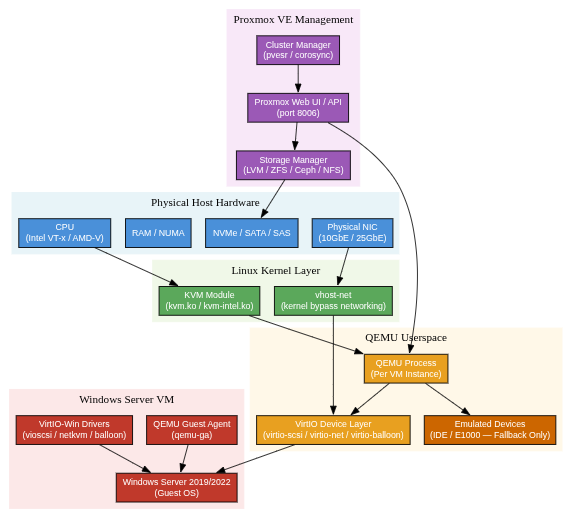
To visualize how a packet travels from the firewall to Suricata, here’s a diagram:

No VLAN tagging, no IP routing—just a straight copy of Ethernet frames.
Integrating with the SOC: Eve.json and Wazuh
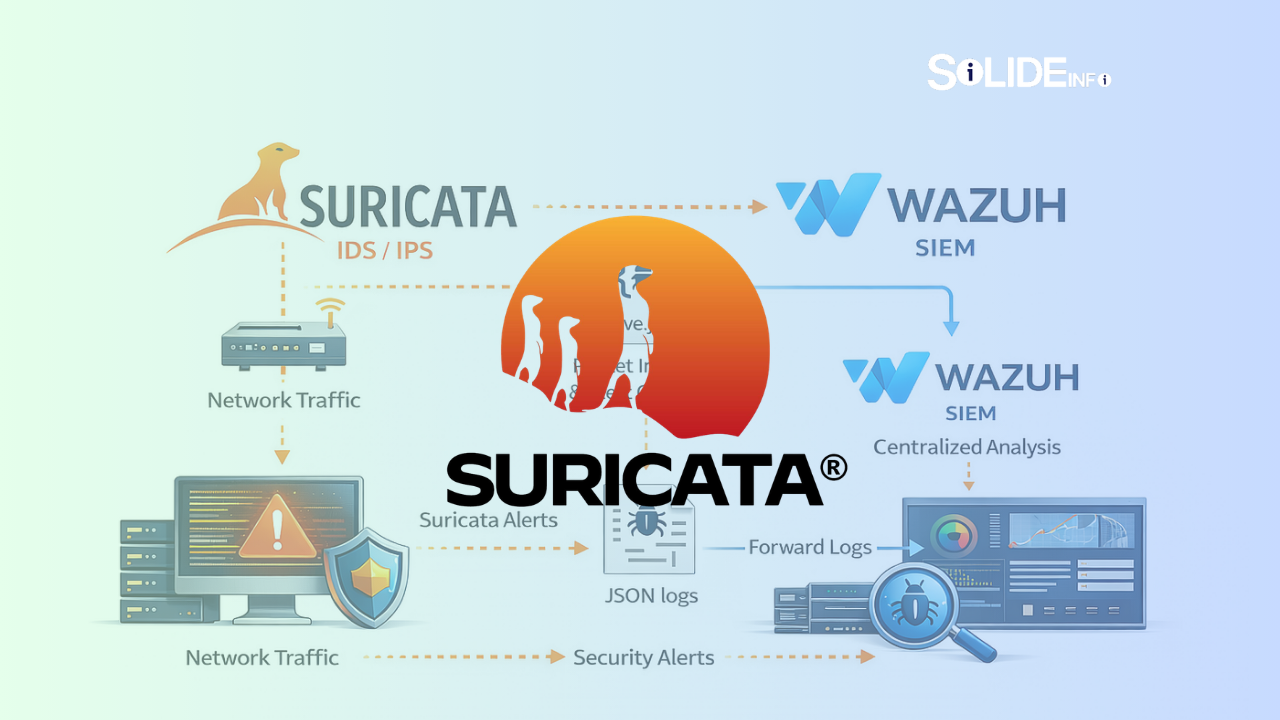
The final piece is making Suricata’s alerts available to the SIEM. We already deployed a Wazuh agent on the same VM (covered in depth in Article 3). The agent’s configuration includes a localfile that reads /var/log/suricata/eve.json in JSON format:
xml
<localfile>
  <log_format>json</log_format>
  <location>/var/log/suricata/eve.json</location>
</localfile>
Now, every Suricata alert is forwarded to the Wazuh manager. We’ll see them in the dashboard alongside other security events.
Real‑World Alert: ICMPv6 Invalid Checksum
After a few hours of idle monitoring, the system started generating alerts like this one:
text
SURICATA ICMPv6 invalid checksum
This is a classic example of a benign but noisy detection. It could be a misconfigured router or simply a network interface offloading checksums. We’ll use the dashboard to filter out such false positives while keeping high‑severity alerts visible.
Next: From Detection to Orchestration
With network visibility established, we now have a stream of security events flowing into our SIEM. The next article will focus on scaling this to an enterprise XDR platform: a distributed Wazuh cluster with high availability, secure API access, and centralized dashboards.
If you’ve followed along, you now have a Suricata IDS network visibility solution that sees everything on your network and sends actionable alerts to your SOC.
Discover more from Solide Info | The Engineer’s Authority on Cyber Defense
Subscribe to get the latest posts sent to your email.